What editing would look like
Your team fills in plain fields. The site takes care of layout, photo cropping, dates and where things show up. There are no boxes to drag around, so nothing gets broken on a busy Sunday morning. It does take a little getting used to if you're used to editing right on the page in Squarespace.
Events
+ New event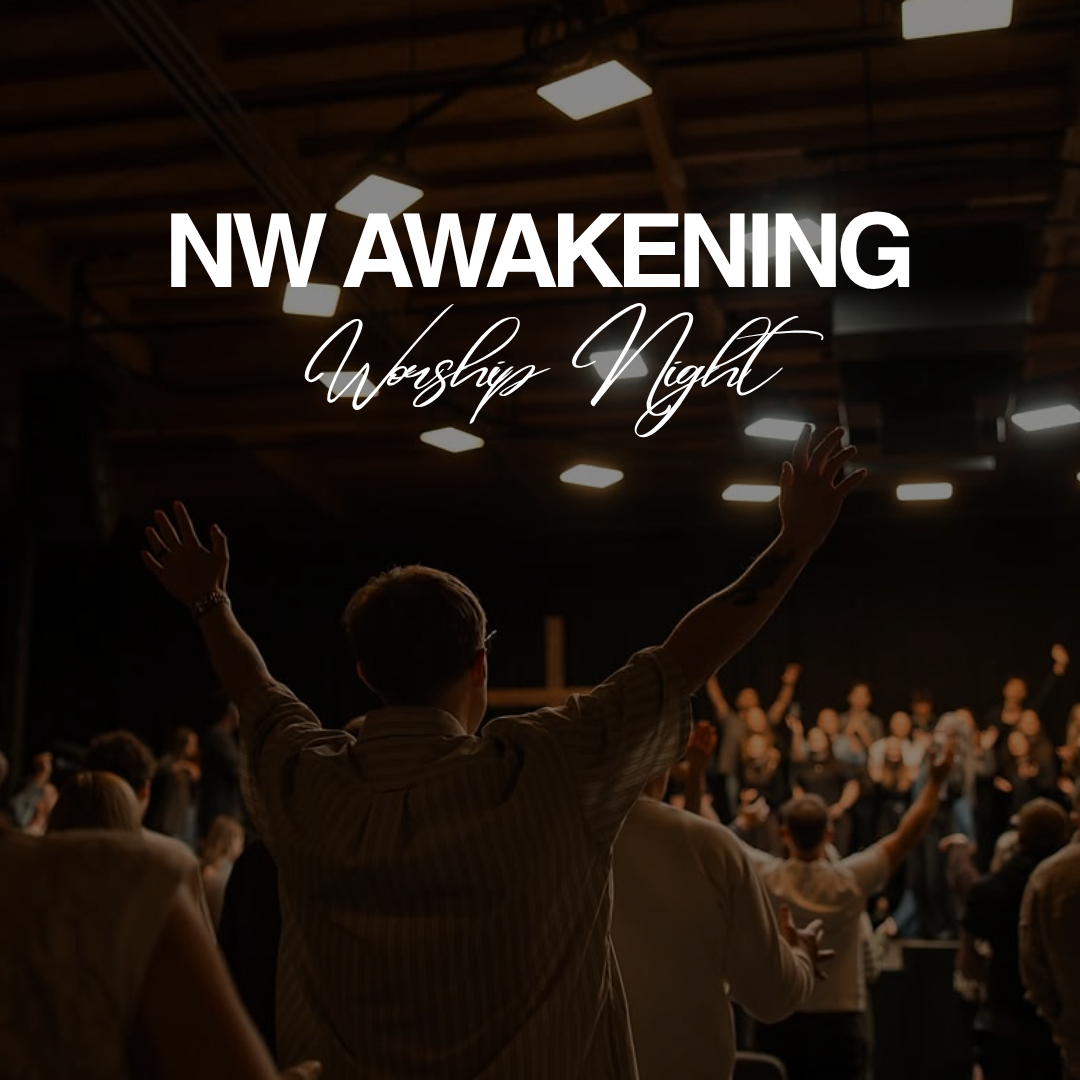

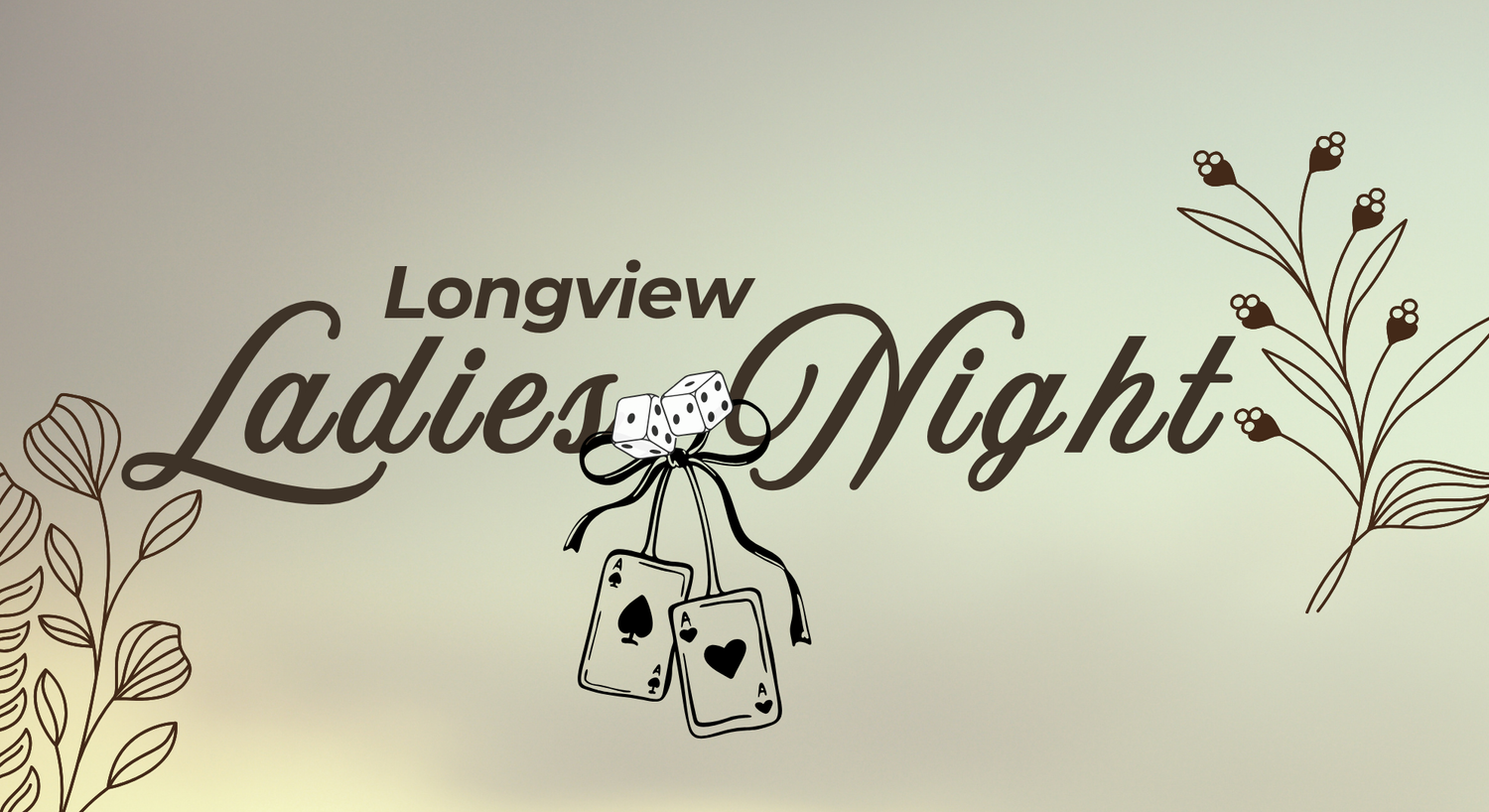
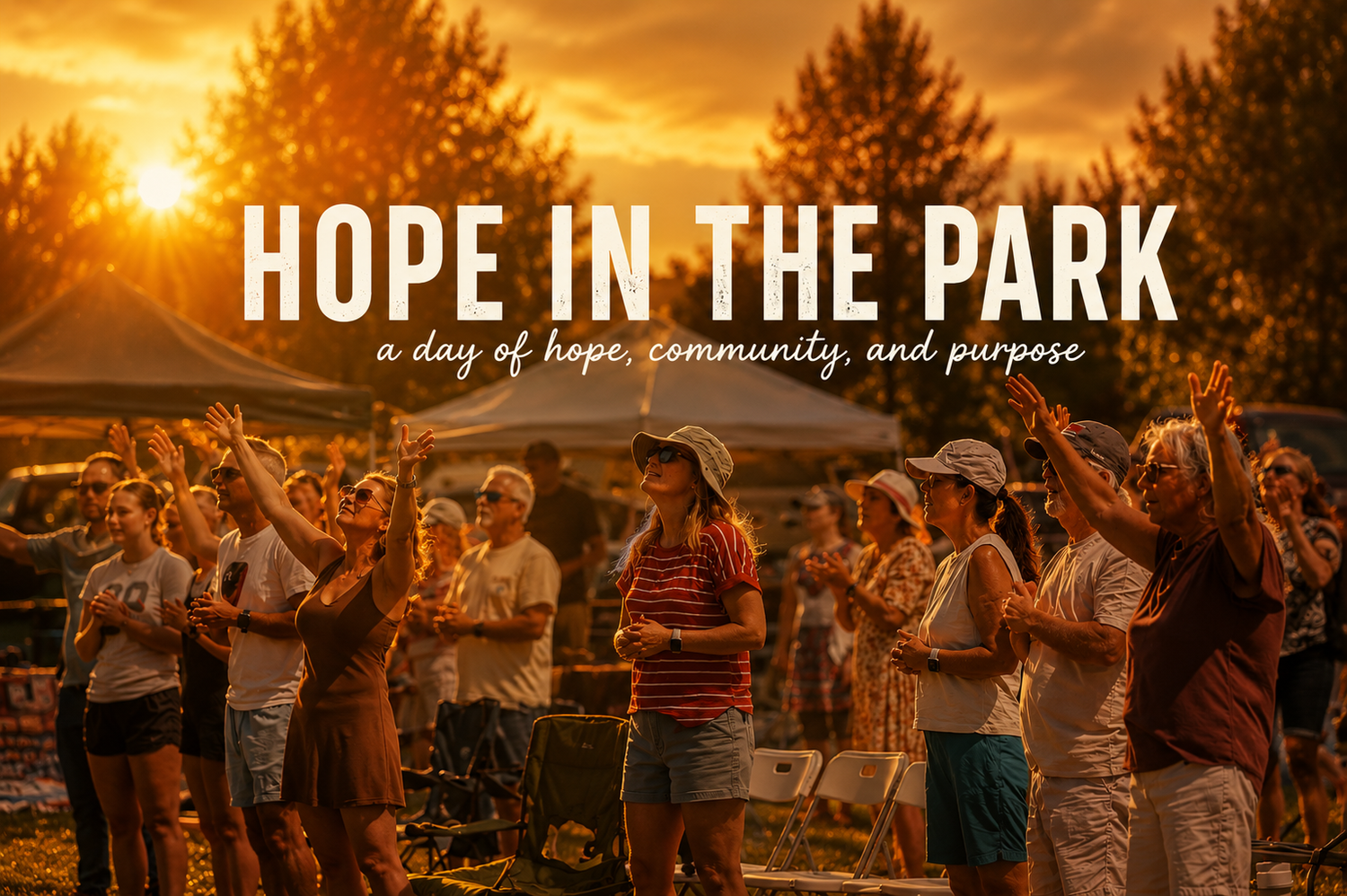
It drops off the site by itself once it's over.
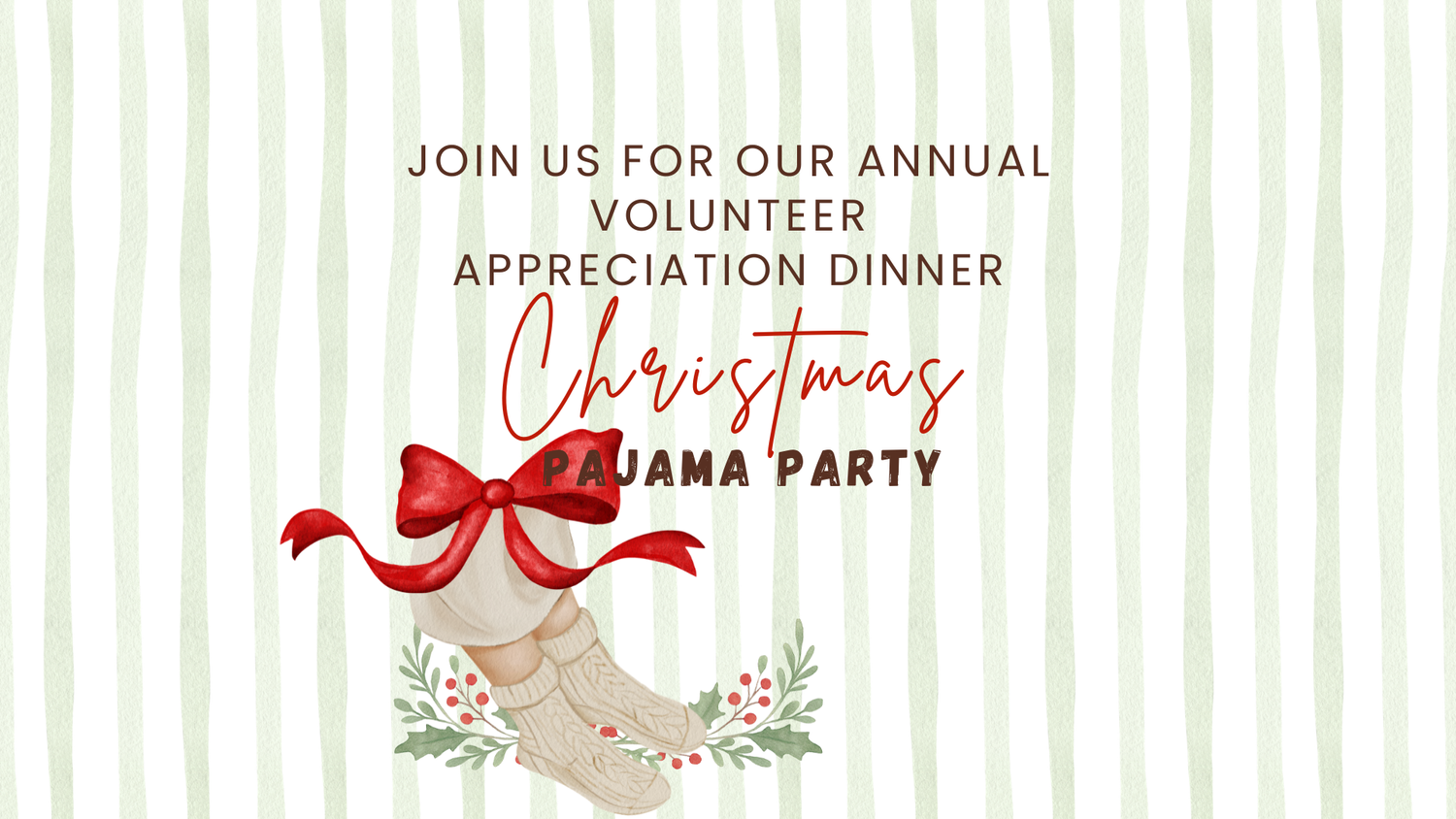
Flyers are fine. The site frames them so text never gets cut off.
volunteer-dinner-flyer.png
Shows on the events list and home page.
Come dressed in your best Christmas morning pajamas and enjoy an evening with breakfast for dinner and entertainment as we express our gratitude for your service as a volunteer in this house.
Paste the Church Center registration link. Leave blank if no sign-up is needed.
The next featured event gets the big spot.
Live preview, updates as you type
Volunteer Appreciation
Christmas morning themed! Childcare will be provided.
In the full preview, clicking any text on the real page jumps straight to the field that controls it.
Pages
+ New page
Drag to reorder. Each section is a pre-designed layout, so it always looks right.
Events add and remove themselves
Enter an event once. It shows on the events page, the home page and the right ministry page, then disappears after it's over.
Hard to break the design
You pick from a short menu of sections built for your site. Spacing, fonts and colors are locked in, which is what keeps it looking clean as more people edit.
One place for photos
Upload full-size photos once and reuse them anywhere. The site sizes and crops them for each spot, and you can mark the focal point so faces stay in frame.